How to virtually simulate Bariatric Surgery
With FaceTouchUp’s Virtual Plastic Surgery Simulator, simulating bariatric surgery on your own photos is easy! Upload your own photos in seconds, and experiment with different outcomes all from the comfort and privacy of your own home!
The program works best on profile body photos. Once your done reshaping your body, you can send your before and after photos to your plastic surgeon to discuss the possibilities.
How to use FaceTouchUp to simulate bariatric surgeries
Step-by-step instruction on simulating bariatric surgeries
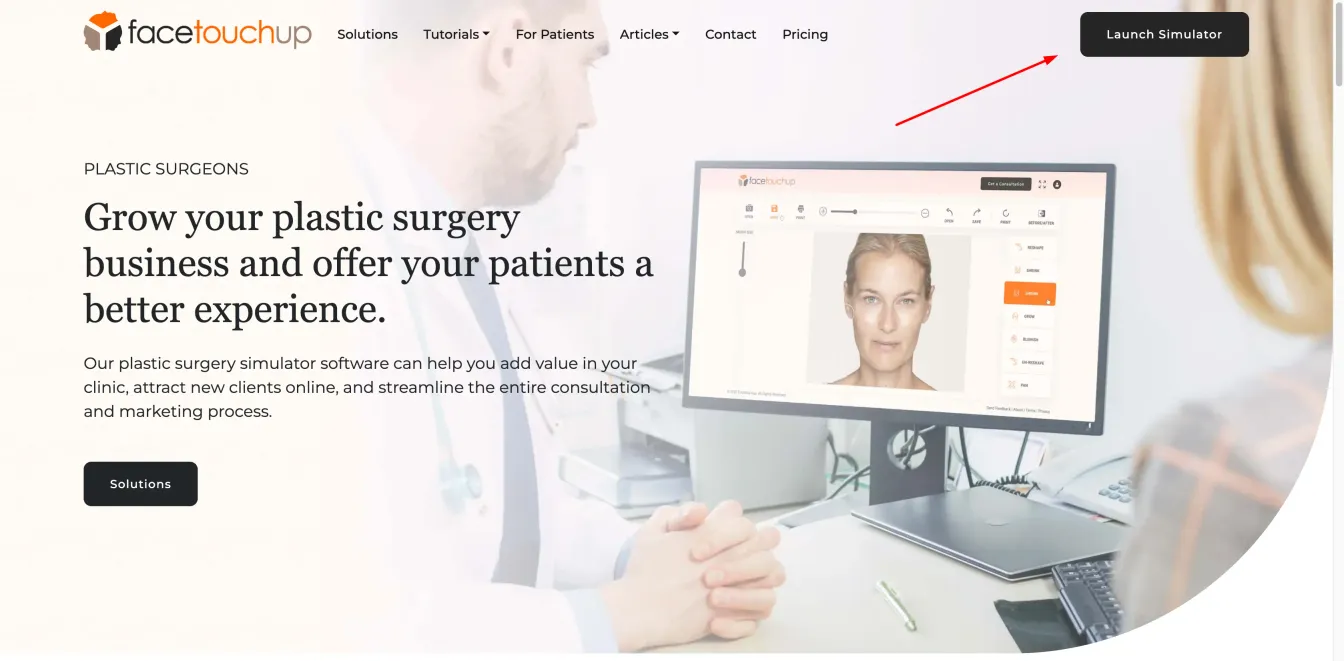
Step 1 : Launch Simulator
Open the simulator by clicking the ‘Launch Simulator’ button.
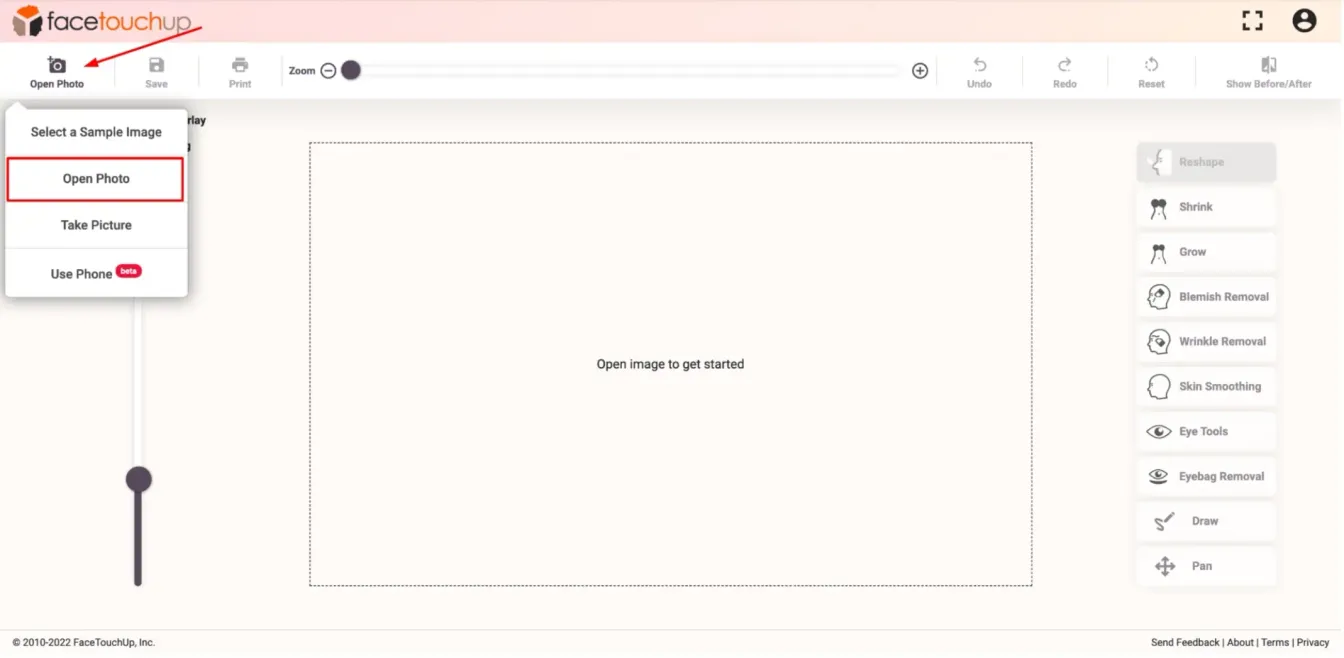
Step 2 : Load a profile body photo
Click on the ‘Open Photo’ button. Choose a side-view profile body image from your Desktop/Mobile Phone. Make sure to select a clear photo in order to achieve accurate results.
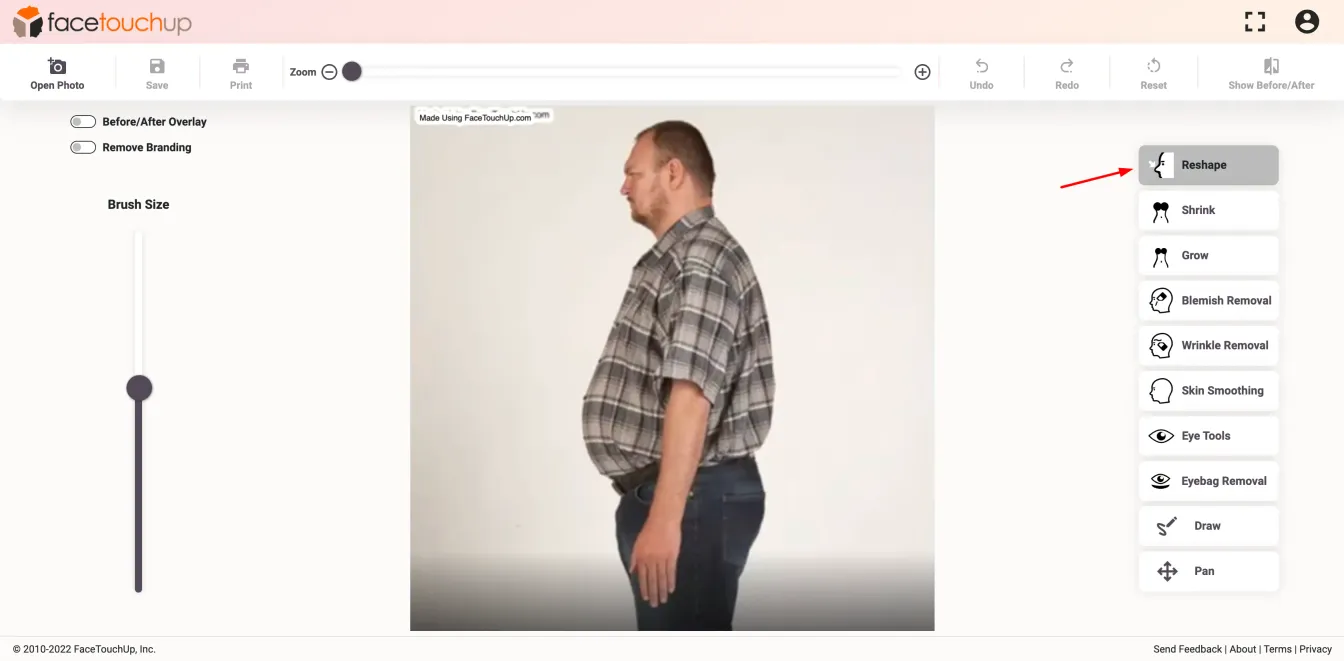
Step 3 : Select the ‘Reshape’ tool
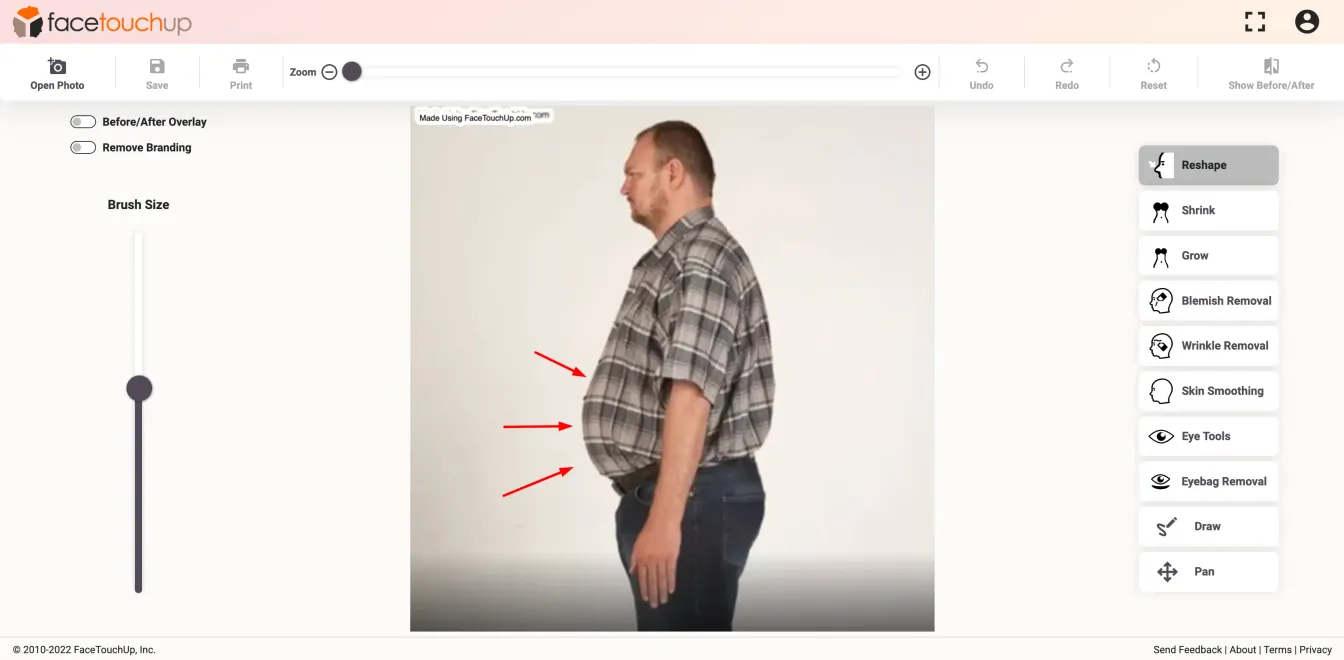
Select the Reshape tool to make changes to the gut.
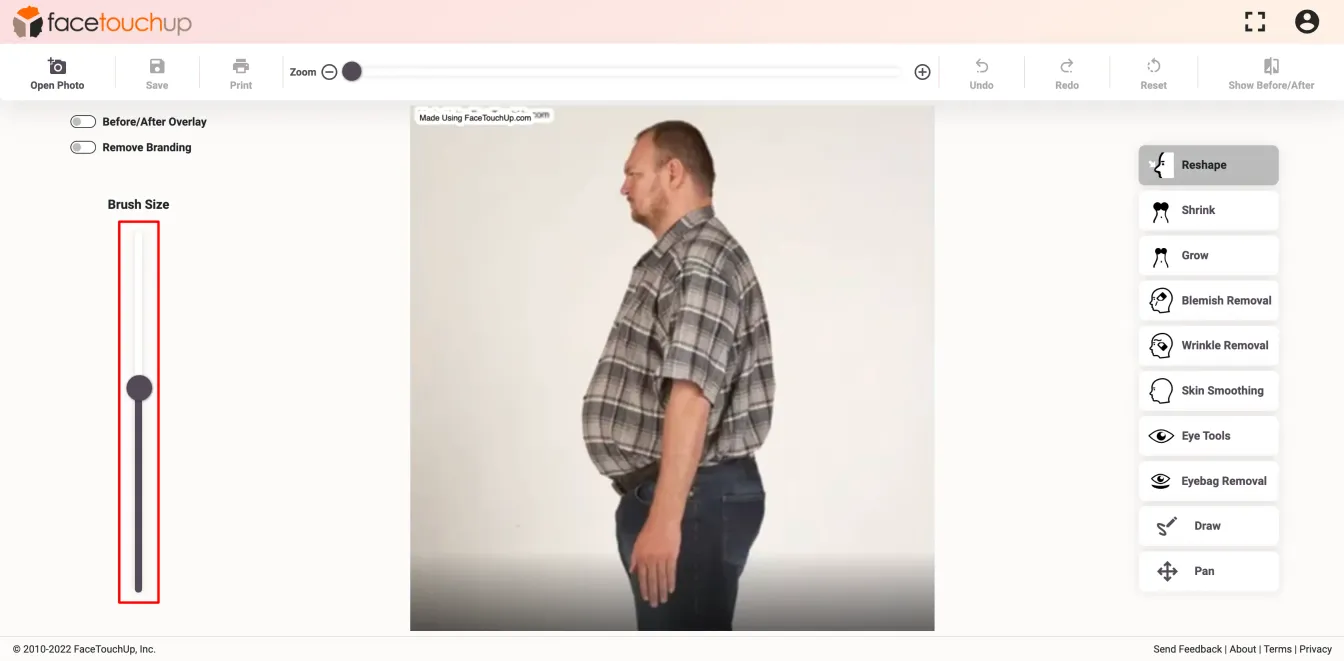
Step 4 : Adjust Brush Size
Adjust the brush size similar to the size of the gut.
Step 5 : Make Changes
Move the reshape tool over the gut and drag inwards. Make sure to use the tool multiple times to achieve the desired size.
Step 6 : See results
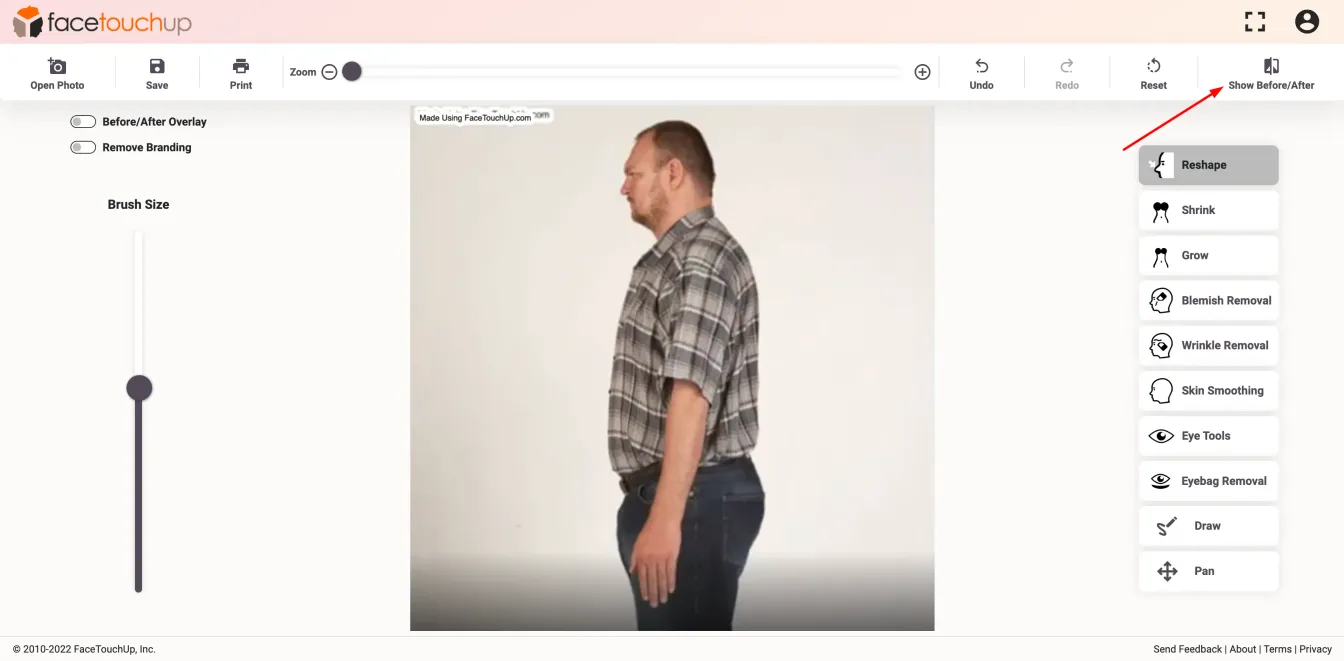
After reshaping the gut, you can see the comparative results by clicking the ‘Show Before/After’ button.
Step 7 : See results
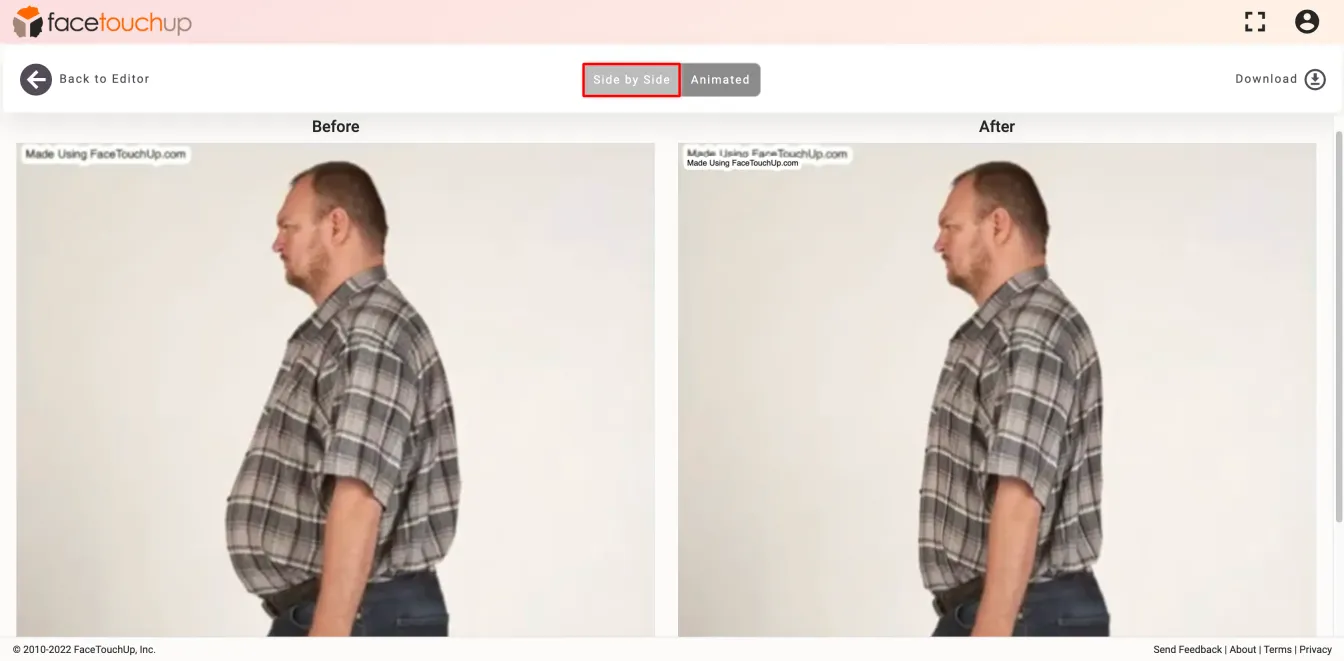
A static preview in a side-by-side layout will show you the before and after results.
Step 8 : See results
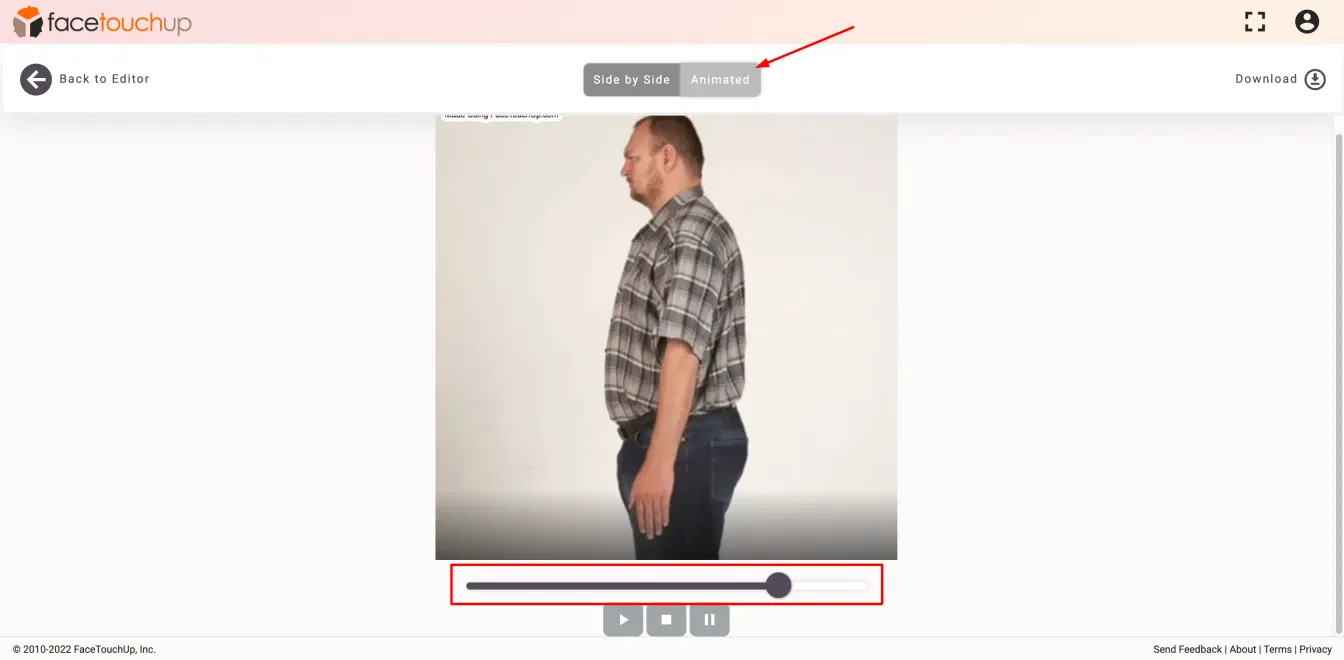
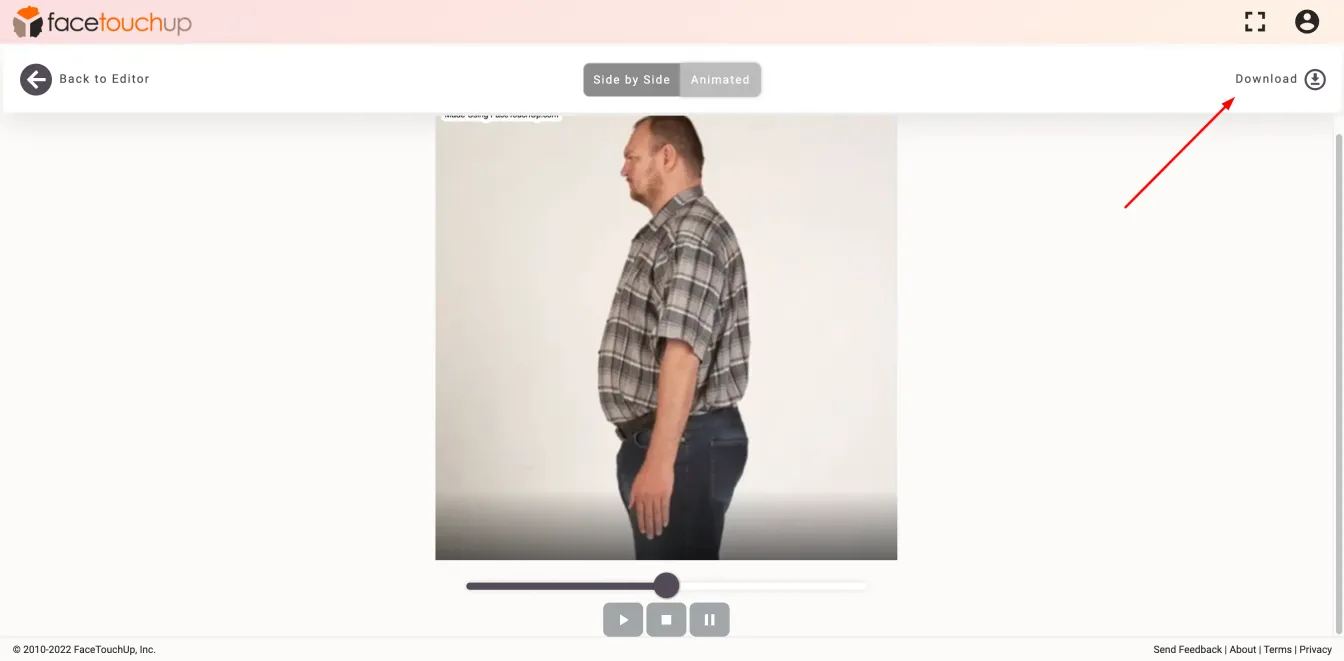
You can also move to the ‘Animated’ view to see a dynamic preview. you can also scroll through to see the results in real time.
Step 9 : Download the results
You can save the results on your desktop or mobile phone by clicking the ‘Download’ button.
As you can see, it just takes a few minutes to simulate bariatric surgeries using FaceTouchUp. Our advanced AI-based tools make FaceTouchUp the best software to simulate bariatric surgeries accurately.
Now it’s your turn
Launch Simulator

