
Visualize Your Cosmetic Surgery Results Before Your Consultation
For patients considering cosmetic surgery. Upload your photo and simulate rhinoplasty, facelift, chin augmentation, body contouring, and more. Then bring your results to your surgeon.
Buy Simulation CreditsFaceTouchUp is an AI-powered plastic surgery simulator that lets patients upload a photo and visualize cosmetic procedure results before surgery. Used by surgeons at over 500 practices worldwide, it supports rhinoplasty, facelift, chin augmentation, neck lift, brow lift, body contouring, and facial feminization surgery (FFS). Over 28.5 million cosmetic procedures are performed in the United States each year (ASPS, 2024), and research published in The Journal of Laryngology & Otology found that patients who used computer imaging before rhinoplasty reported significantly higher satisfaction than those who did not.
| Sources: ASPS 2024 Statistics, Journal of Laryngology & Otology
How the Plastic Surgery Simulator Works
Upload Your Photo
Take a selfie or side profile photo. Works on any phone, tablet, or computer. No app download needed.
Simulate Your Procedure
Use reshape, grow, and shrink tools to visualize changes to your nose, face, chin, neck, or body. Or let AI generate realistic results instantly.
Save Your Results
Download your before-and-after images. Bring them to your consultation to show your surgeon exactly what you have in mind.
Procedures You Can Simulate
FaceTouchUp is the only online plastic surgery simulator that lets patients visualize cosmetic procedures from home. Simulate rhinoplasty (nose jobs) from both side and front profiles, reshape your chin with chin augmentation, tighten your neck with a virtual neck lift, smooth wrinkles and lift sagging skin with a facelift simulation, raise your brow line with a brow lift, or contour your body from a side profile for procedures like tummy tucks and body sculpting.
Rhinoplasty (Nose Job)
Side and front profile
Facelift
Lift and smooth
Chin Augmentation
Jawline definition
Neck Lift
Tighten and contour
Brow Lift
Raise your brow line
Body Contouring
Side profile
Facial Feminization Surgery (FFS) Simulation
FaceTouchUp is one of the only tools available for virtual facial feminization surgery. Simulate brow bone reduction, jaw contouring, chin reshaping, and other FFS procedures to visualize your transformation before committing to surgery. Over 3,600 people search for FFS before-and-after results every month.
AI-Powered Simulation
Not sure where to start? Let our AI do the work. The AI simulation analyzes your photo and automatically generates a realistic preview of what you could look like after surgery. No manual adjustments needed. Just upload, choose your procedure, and see your AI-generated result in seconds.
Get AI SimulationWhy Simulate Before You Decide
Walk Into Your Consultation With Confidence
Know exactly what to ask for. Research published in PubMed found that most patients reported computer imaging improved communication with their surgeon and increased their confidence in the procedure.
Compare Different Looks Privately
Experiment at home, on your own time, with no pressure. Try subtle changes or dramatic transformations until you find the look that feels right.
Communicate Clearly With Your Surgeon
Words can only describe so much. A before-and-after simulation image shows your surgeon precisely what you want, reducing misunderstandings.
Make a More Informed Decision
See realistic results before committing to surgery. According to ASPS data, 95% of cosmetic surgery patients report satisfaction with their results. Visualization before your procedure helps set realistic expectations and contributes to that high satisfaction rate.
Rated 4.8 out of 5 by 450+ users
What Patients Are Saying
Patients around the world use FaceTouchUp to prepare for their cosmetic surgery consultations.
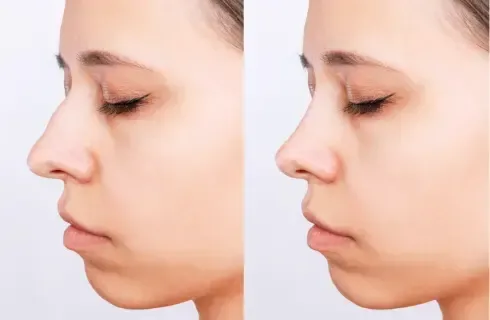
Victoria James
I was so nervous about getting a nose job, but being able to see a simulation beforehand really helped me feel confident about my decision.
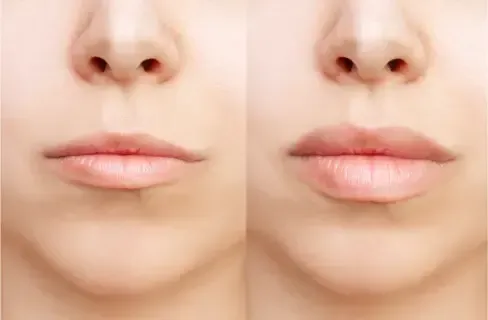
Elena Geller
I showed my surgeon exactly what I wanted using FaceTouchUp. It made our consultation so much easier and we were on the same page from the start.
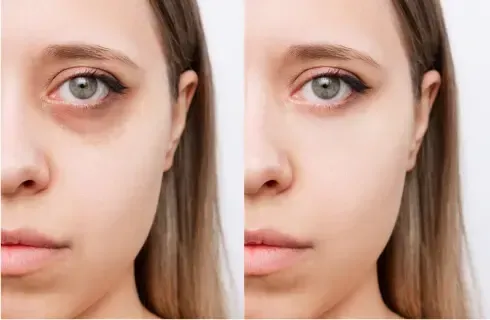
Marry Booth
Being able to try different looks privately at home took all the pressure off. I finally felt ready to book my consultation.
Patient Pricing: Visualize Your Transformation Before You Decide
Curious about rhinoplasty, a facelift, or body contouring? Upload your photo and see realistic results in seconds. No appointment needed.
For personal use only. Not for medical practices. Surgeons and licensed practitioners, book a demo for professional pricing.
AI-Powered Simulation: Patient Pricing
$5 per AI simulation. Let our AI show you realistic surgical results instantly. Works with any credit plan. An AI simulation uses 5 credits, on top of the 1 credit for the photo it runs on.
Plastic Surgeon or Medical Professional?
Unlock unlimited simulations, HIPAA-compliant photo management, website widgets, and custom branded apps. Exclusively for licensed practitioners.
Book a 30-Min DemoGet personalized pricing for your practice. Most surgeons are up and running in minutes.
Love your simulation? Ask your surgeon about FaceTouchUp. They can show you even more detailed results with our professional tools.
Frequently Asked Questions
How accurate is the plastic surgery simulator?
What procedures can I simulate?
Do I need to download an app?
Is my photo private and secure?
What is the difference between photo simulation and AI simulation?
How much does it cost?
The Only Plastic Surgery Simulator Built for Patients
Used by surgeons at over 500 practices worldwide, FaceTouchUp is the same professional-grade simulator trusted in clinical consultations. Now available directly to patients. Upload your photo, visualize your results, and walk into your next consultation fully prepared.
Buy Simulation Credits