Solutions

Plastic Surgery Simulation Software for Every Procedure

Help patients visualize rhinoplasty, brow lifts, chin augmentation, and more - in your clinic, on your website, or during remote consultations. Used by 500+ board-certified surgeons worldwide.

Get Started

Simulate Any Facial & Body Procedure

AI-powered simulation tools for the procedures your patients ask about most

Most popular

Rhinoplasty

Reshape the nose bridge, tip, and nostrils. Our most popular simulation tool for surgical and non-surgical rhinoplasty consultations.

Brow Lift

Simulate brow position adjustments and forehead smoothing to show patients a refreshed, natural look.

Chin & Jaw Augmentation

Visualize chin projection and jawline definition changes. Great for profiling chin implants and jaw contouring.

Lip Augmentation

Show patients realistic lip volume and shape enhancements before committing to fillers or surgical augmentation.

Neck Lift

Demonstrate neck contour improvements and profile refinement for neck lift and liposuction consultations.

Blepharoplasty

Eyelid surgery

Simulate upper and lower eyelid surgery results. Help patients see how eyelid rejuvenation enhances their appearance.

Skin Smoothing & Tightening

Preview skin texture refinement and tightening effects for laser, microneedling, and surgical skin procedures.

Facial Feminization

Comprehensive facial feminization surgery simulation covering brow, nose, chin, jaw, and overall facial harmony.

+ Body contouring and breast augmentation simulation available in side profile view only

Enhance Consultations in 3 Simple Steps

1

Upload a Photo

Take a patient photo with any device - phone, tablet, or webcam. No special hardware needed.

2

Simulate the Procedure

Use AI-powered tools to show realistic before-and-after results in under 2 minutes.

3

Close the Consultation

Patients see their potential results, gain confidence, and book their procedure.

Three Ways to Use FaceTouchUp

In your clinic, on your website, or from anywhere - choose the solution that fits your practice
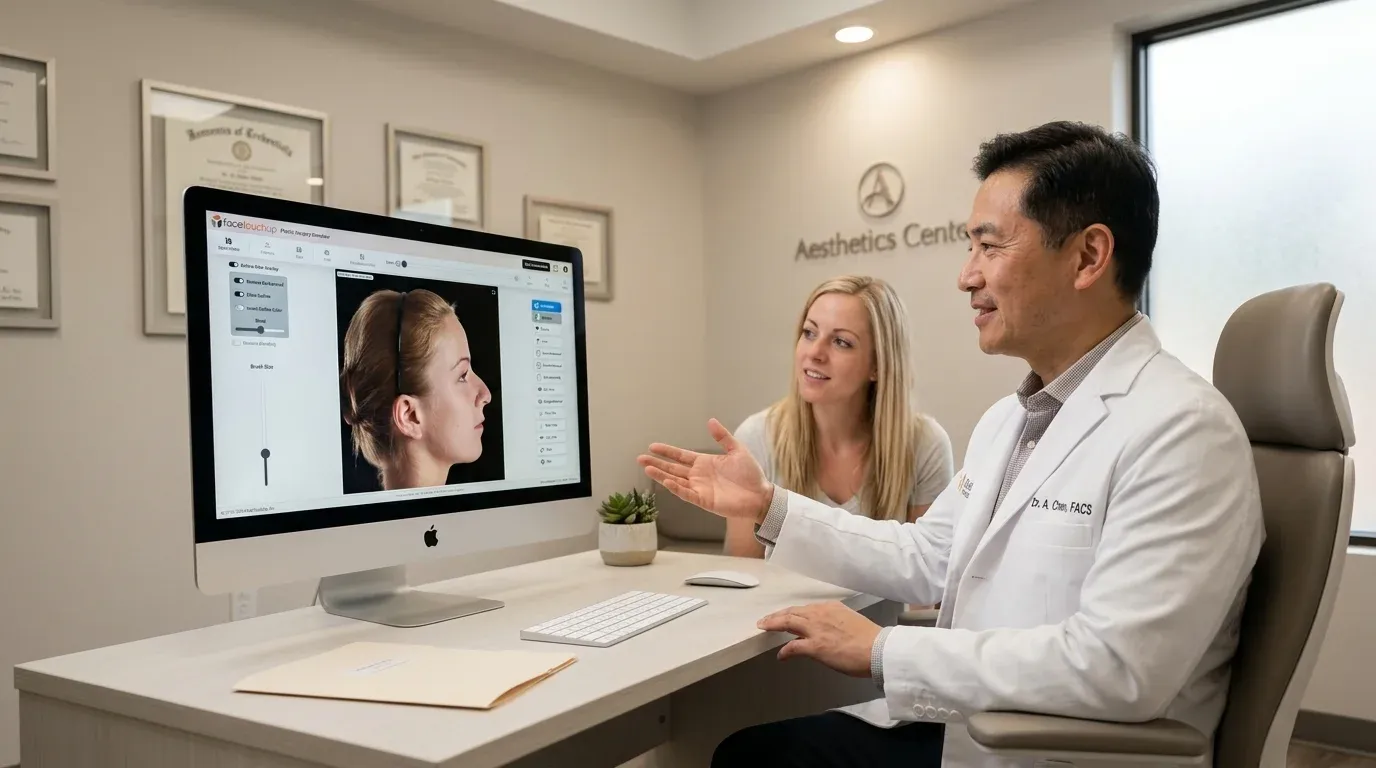
Surgeon showing patient simulation results on desktop during in-office consultation

In-Clinic Simulator

Run simulations on your office laptop or tablet during consultations. Works on any device with a browser - no software to install.

  • Works on desktop, laptop, or tablet
  • No special hardware needed
  • HIPAA compliant cloud storage
  • Share results with patients instantly
Learn more →
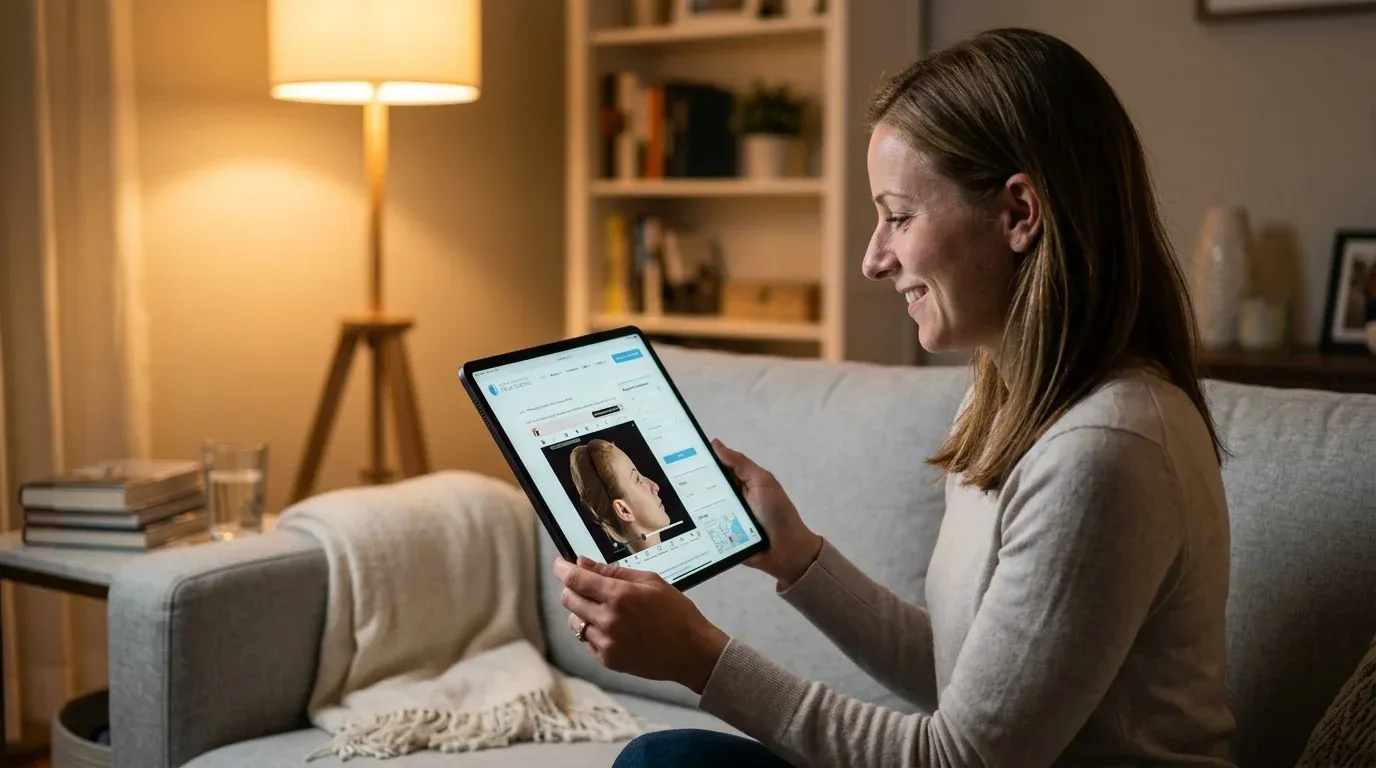
Patient using plastic surgery simulator on tablet at home

Website Integration

Embed the simulator on your practice website. Patients try it at home and request a consultation - a 24/7 lead generation tool.

  • Embed on any website
  • Branded to your practice
  • Captures patient leads automatically
  • Increases website conversions
Learn more →
Great for growth
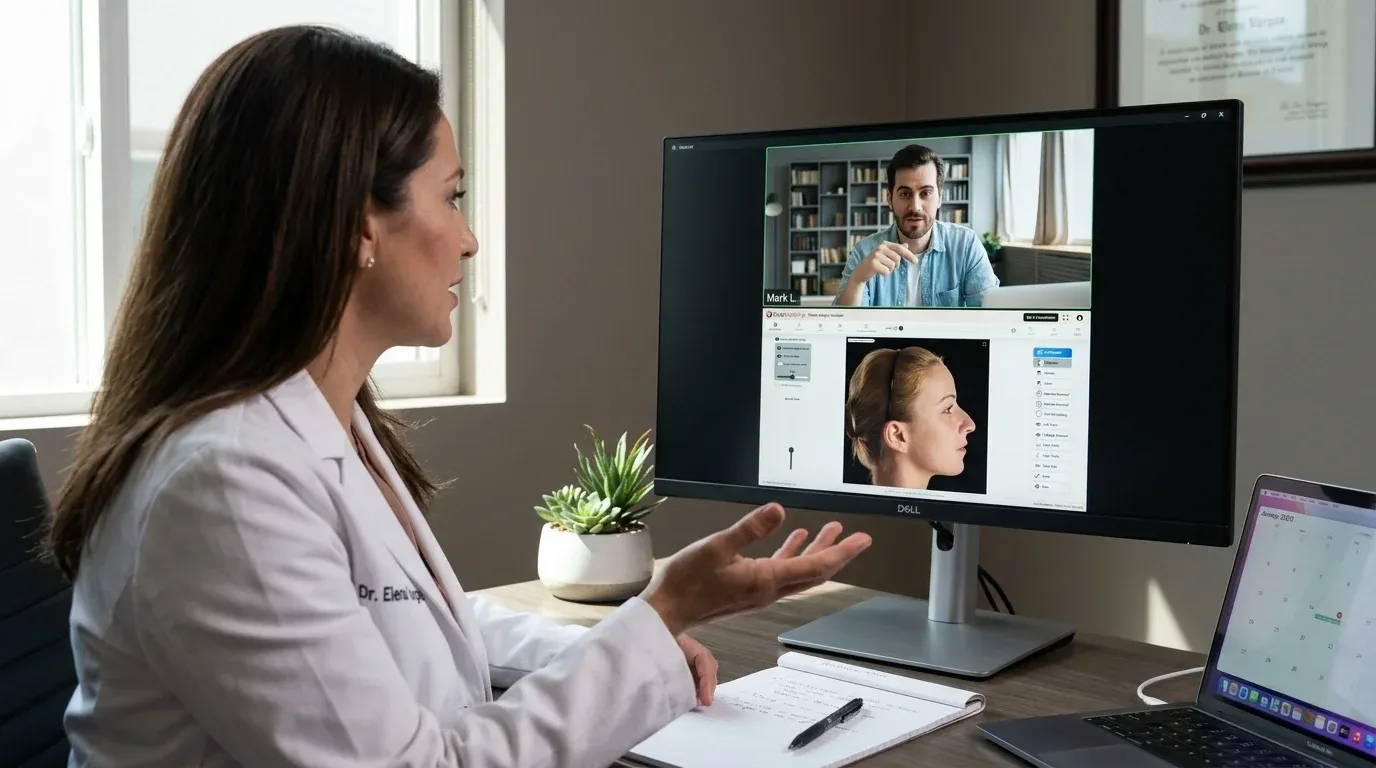
Doctor conducting remote consultation with patient using simulation software

Remote Consultations

Consult with patients anywhere in the world. Share simulation results in real-time during video calls - expand your reach beyond your local market.

  • Cloud-based - works from anywhere
  • Share simulation links with patients
  • Reach patients in other cities & countries
  • Secure, HIPAA-compliant sharing
Learn more →

Why Surgeons Switch to FaceTouchUp

50-75% less than competitors. No hardware. No contracts.

💰
$0 Setup

No hardware costs, no per-patient fees, no hidden charges.

2-Minute Setup

Sign up and start simulating. No training required.

🔒
HIPAA Compliant

BAA available. Secure cloud storage for all patient photos.

📅
No Contracts

Month-to-month. Cancel anytime. Free trial to start.

Frequently Asked Questions

What procedures can I simulate with FaceTouchUp?
FaceTouchUp supports simulation for rhinoplasty (nose reshaping), brow lifts, chin and jaw augmentation, lip augmentation, neck lifts, blepharoplasty (eyelid surgery), skin smoothing and tightening, and facial feminization surgery. We also support body contouring and breast augmentation in side profile view. Each tool uses AI-powered algorithms to produce realistic before-and-after previews.
How does FaceTouchUp compare to Crisalix or Canfield VECTRA?
FaceTouchUp costs 50-75% less than Crisalix and does not require any special hardware like Canfield VECTRA (which starts at $10,000+). You can start with a free trial, use any device you already own, and there are no per-patient fees or long-term contracts. Our software runs in a browser with no installation needed.
Do I need special hardware or cameras?
No. FaceTouchUp works with any device that has a camera - your phone, tablet, laptop webcam, or existing clinic camera. Unlike hardware-based systems that cost tens of thousands of dollars, our cloud-based software requires zero special equipment.
How does the nose job simulator work?
Upload a patient photo (front or profile view), then use our AI-powered nose reshaping tools to adjust the bridge height, tip projection, nostril width, and overall nose shape. The simulator generates a realistic before-and-after comparison in under 2 minutes. You can save, share, or print the results for your patient.
Can I use the simulator for rhinoplasty consultations?
Absolutely. Rhinoplasty is our most-used simulation tool. Surgeons use it during in-office consultations to set realistic patient expectations, improve communication about desired outcomes, and increase consultation-to-booking conversion rates. The simulation runs on any device - just pull it up on your office laptop or tablet.
Can I do remote consultations with simulation software?
Yes. FaceTouchUp is fully cloud-based, so you can create and share simulations from anywhere. During a video consultation, share your screen to walk through simulation results in real-time. You can also send patients a secure link to view their simulation at home. This lets you consult with patients in other cities or countries.
Can patients use the simulator on my website before visiting?
Yes. Our website integration lets you embed the FaceTouchUp simulator directly on your practice website, branded to your clinic. Patients can try the simulator at home, see what results might look like, and then contact your office to schedule a consultation. It works as a 24/7 lead generation tool.
Is FaceTouchUp HIPAA compliant?
Yes. FaceTouchUp is fully HIPAA compliant. We offer Business Associate Agreements (BAA), encrypt all patient data in transit and at rest, and store photos securely in our cloud infrastructure. Patient images are never shared or used for any purpose other than the simulation you create.
How accurate are the AI-powered simulations?
Our AI simulation tools produce realistic previews that help patients understand the general direction and scope of potential results. Simulations are designed to set appropriate expectations during consultations - they represent a professional visualization, not a guaranteed surgical outcome. Surgeons consistently report that simulations improve patient communication and consultation quality.
Ready to Transform Your Consultations?
Start your free trial today. No credit card required.
Start Free Trial